
Stop water use
Pause showers, laundry, dishwashing, and anything else that pushes more water into the system.
Urgent septic issue
For sewage backing up into the home, toilets and drains failing together, or wastewater surfacing where it should not be, take the safe first steps below and call.
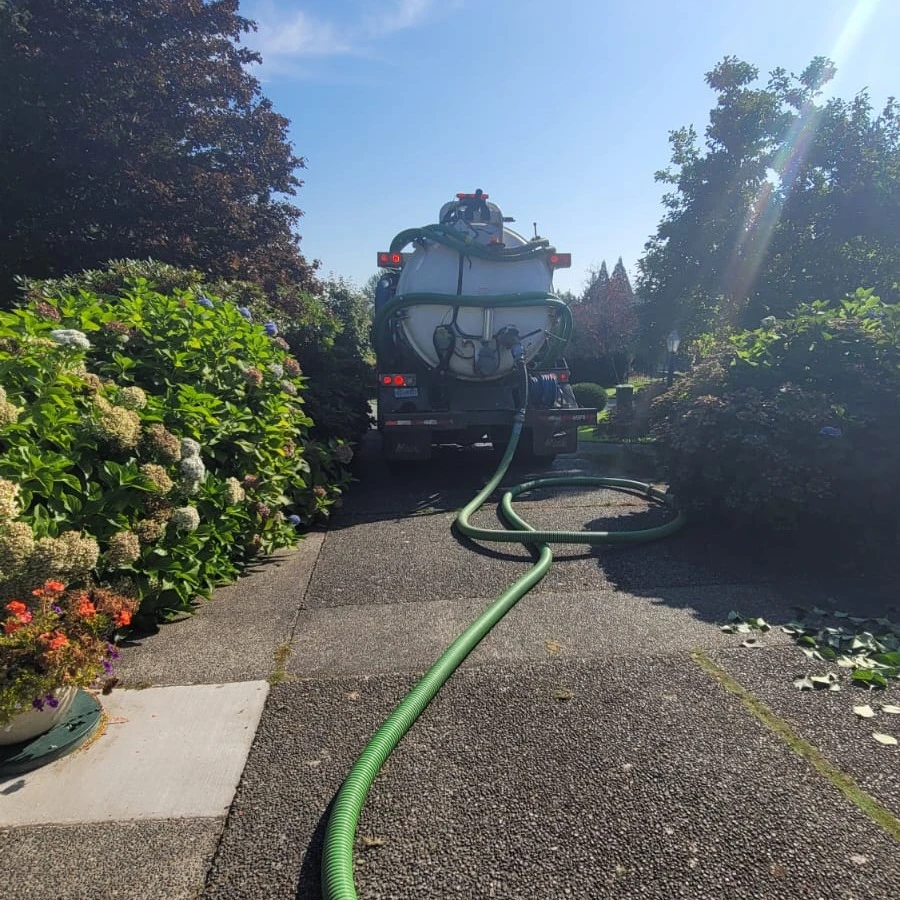
What to do first
Pause showers, laundry, dishwashing, and anything else that pushes more water into the system.
Keep children, pets, and foot traffic away from any contaminated indoor or outdoor area.
Note whether the issue is inside, outside, or both, and whether one fixture or several are affected.
Have the Langley address, callback number, and urgency notes ready before you submit the request.
Dispatch timing can vary. Focus first on limiting water use, keeping people and pets away from affected areas, and clearly describing the active symptoms when you call.
How urgent requests are handled
The goal is to reduce panic and make the intake feel organized: what is happening, how severe it is, and what page or request path fits best.
Urgent path
Use the emergency request path when sewage is backing up indoors, multiple drains fail together, or wastewater is surfacing outside.
Diagnostic path
If the issue feels wrong but not fully emergency-level yet, the inspection page helps frame alarms, odours, wet spots, and recurring drainage issues.
Routine path
If the problem points more toward overdue pumping or maintenance history gaps, the routine pages are still one click away from the same request flow.
Related pages
If the problem is recurring but not currently overflowing or backing up indoors, the inspection page may be the better destination. If the issue turns out to be overdue routine care, the pumping page is ready too.
Emergency contact details
If the issue is active or worsening, call first for the fastest triage, or use the request form and clearly mark the symptoms as urgent.
Related service paths
Use the request form, non-emergency troubleshooting guidance, or Langley coverage details to choose the appropriate next step.
Use the shared intake form if you already know the address, callback details, and urgent symptoms you need to report.
Open request formUse the inspection page if the problem is serious but not currently backing up indoors or surfacing outside.
Compare with inspectionsCheck the local service-area page if you want to confirm neighbourhood relevance before submitting an urgent request.
Review Langley coverageFAQ
Yes. Mark the request as urgent and describe the active symptoms in detail. If wastewater is backing up or surfacing, call for the fastest triage.
If multiple drains fail together, sewage backs up indoors, or wastewater is surfacing outside, treat it as urgent. If the symptoms are serious but less clear, the inspection page is also a good fit.
No. It complements routine pumping, troubleshooting, and preventative maintenance guidance so you can choose the path that fits the problem.
Real field visuals
Emergency service pages land better when the visuals suggest actual response work, crew readiness, and messy real-world conditions.
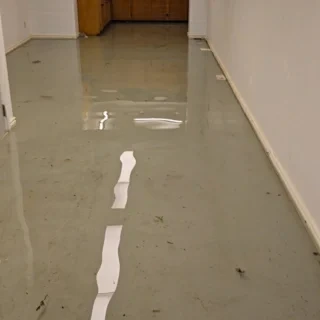
Indoor water affecting a basement shows why active conditions and affected areas should be described clearly before the next step is confirmed.
Share the address, affected fixtures, visible wastewater, timing, and any access constraints so the active condition can be triaged without relying on unverified crew imagery.